All guidesFOOD AND HYDRATION
Start a meal log with a photo.
When typing a whole plate feels like too much, a photo can be a faster starting point. Mepace lets you review the result before it becomes your record.
Explore Mepace Real Mepace app screen · Demo data where shown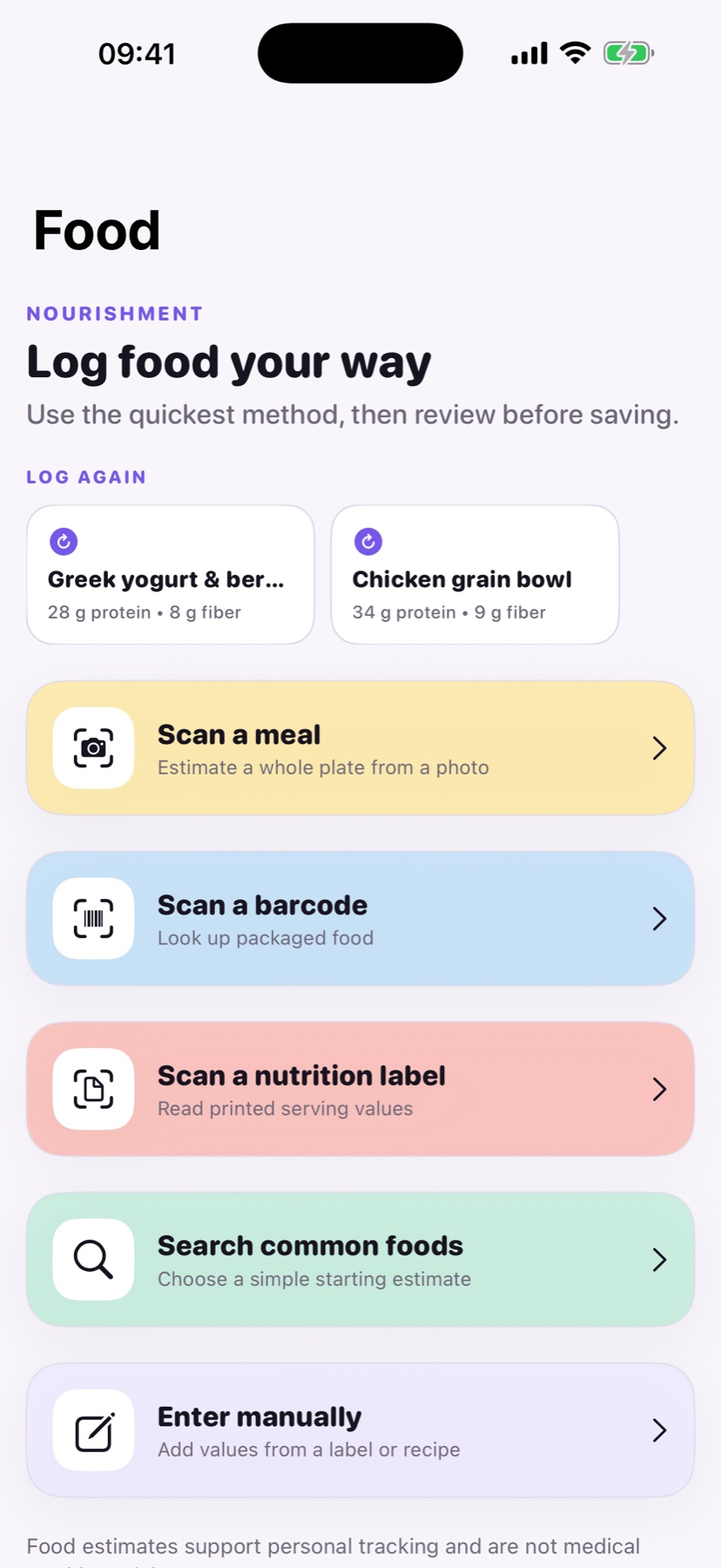
HOW IT WORKS
A photo is a starting point
Camera estimates are not measurements. The review step matters most when portions or ingredients are not obvious.
01
Capture the plate
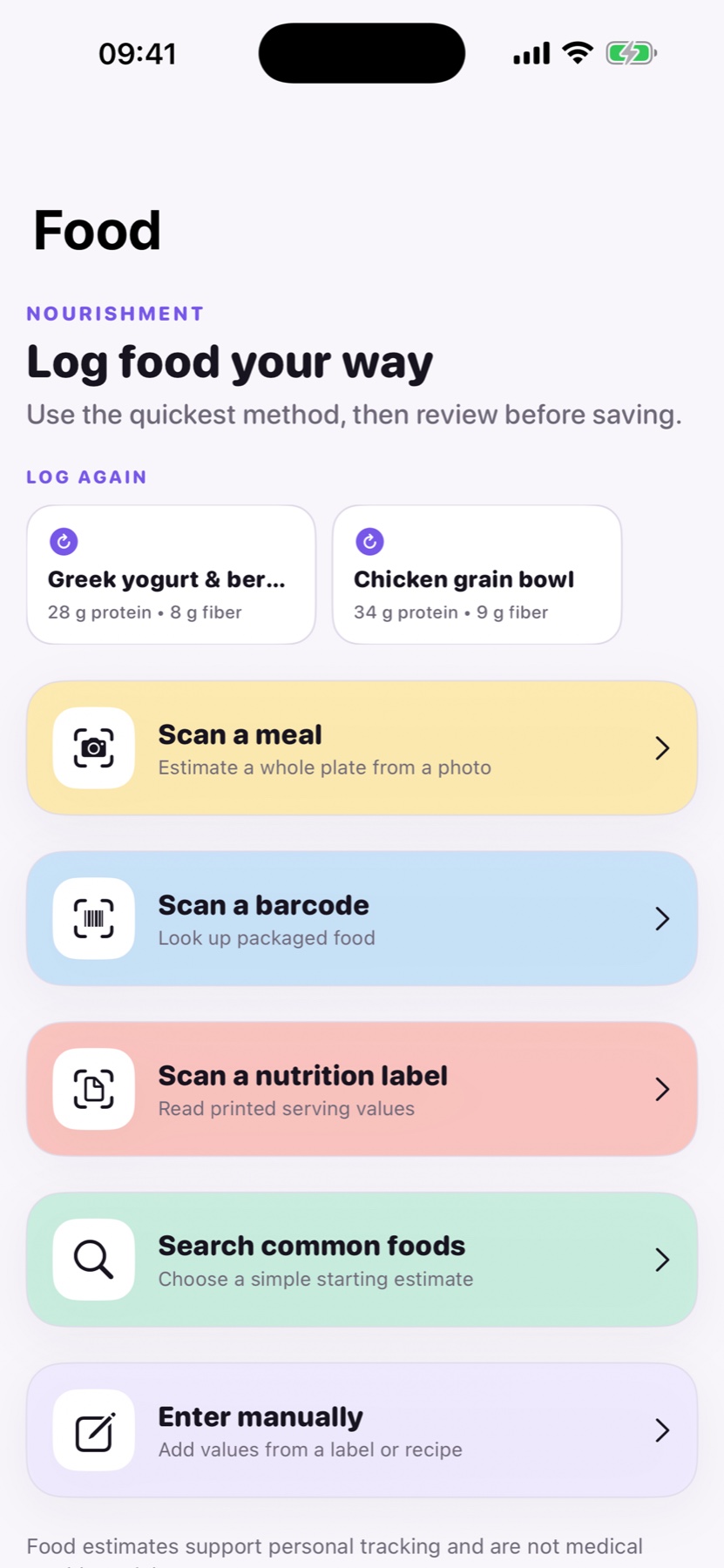
Open Food and choose Scan a meal to begin with a photo.
02
Check the estimate
Read the suggested meal and nutrient values, including serving size, before saving.
03
Edit the history
Correct a saved meal if you later notice a missing ingredient or wrong portion.
GOOD TO KNOW
Can a photo know the exact nutrients in my meal?
No. Mepace creates an estimate. Verify packaged foods against labels and adjust the entry when it looks wrong.