All guidesFOOD AND HYDRATION
Scan the package, then check the serving.
A barcode can save typing, but the package and serving still matter. Mepace lets you start the entry from a scan and review the result.
Explore Mepace Real Mepace app screen · Demo data where shown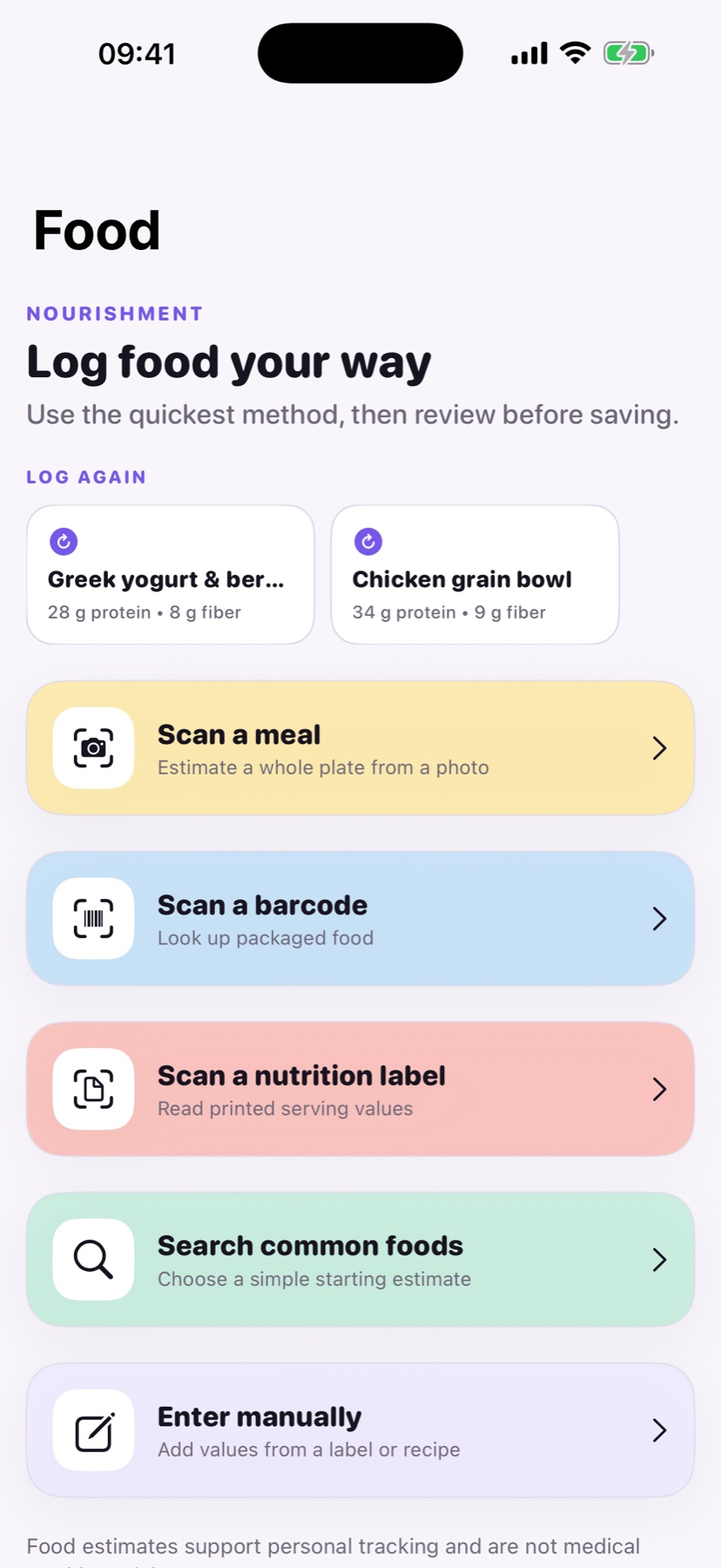
HOW IT WORKS
Make packaged-food logging quicker
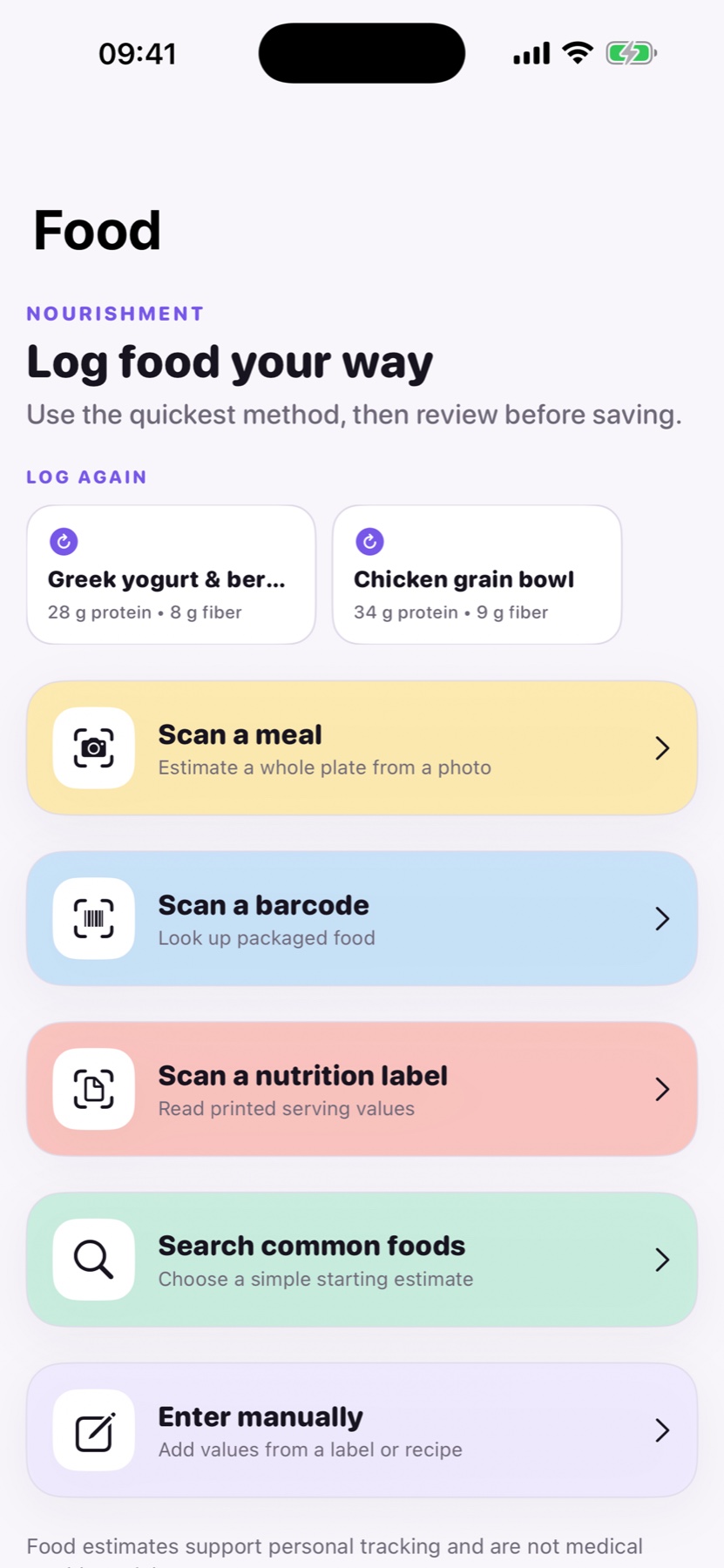
The food screen offers barcode, nutrition-label, search, photo, and manual routes so you can use the information actually on hand.
01
Scan a barcode
Use the packaged-food option in the Food screen.
02
Match the product
Check that the returned item, serving, and label values match the package in front of you.
03
Keep your own record
Save or adjust the entry so the protein and fiber you see later reflect what you logged.
GOOD TO KNOW
Is a barcode lookup always correct?
No. Product databases and packaging can differ. The current label and serving amount are the better check before saving.
For health and product informationFDA: Understanding the Nutrition Facts label