All guidesMEDICATION TRACKING
Keep the next medication day visible.
A reminder helps you notice the day; a check-in tells you what happened. Mepace keeps both pieces in the routine you entered.
Explore Mepace Real Mepace app screen · Demo data where shown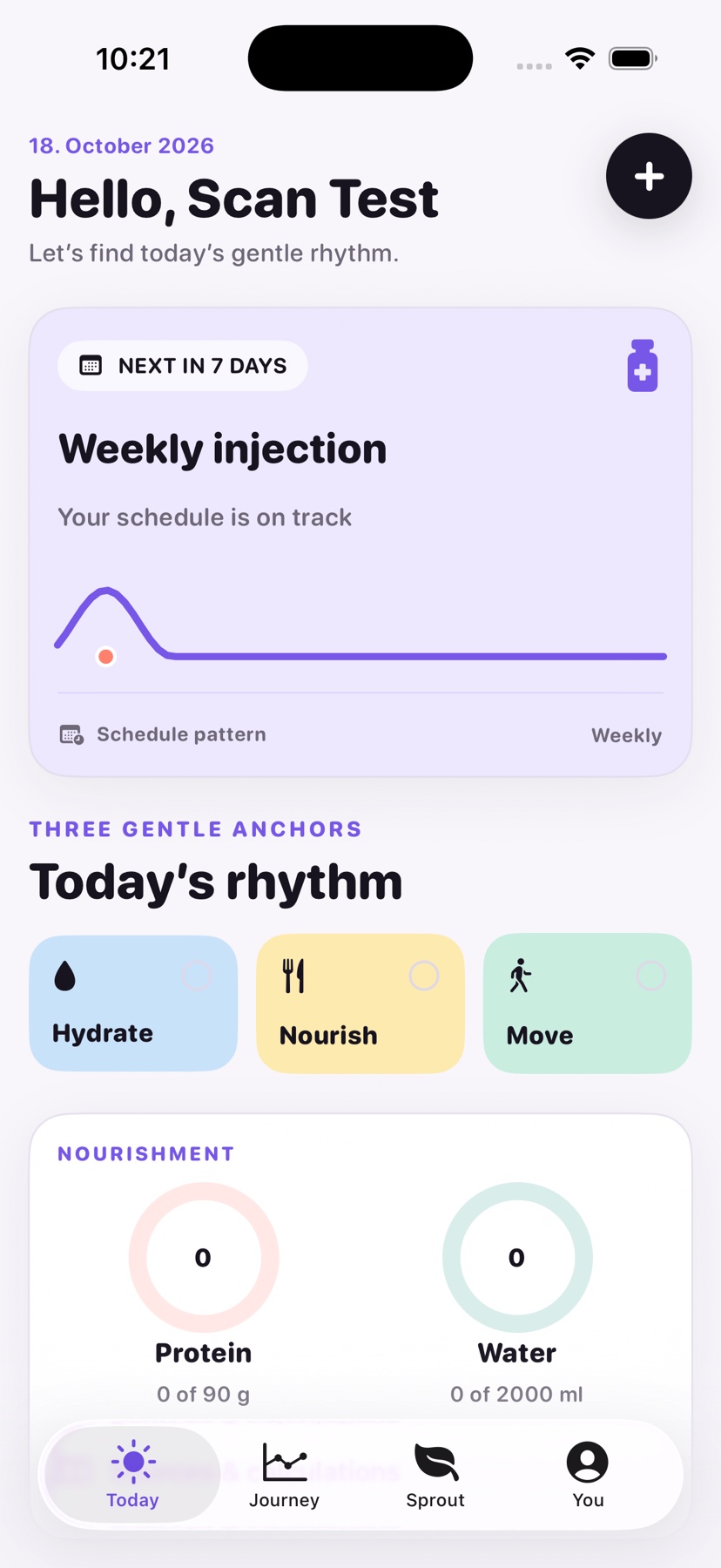
HOW IT WORKS
Plan and record are separate
Set the cadence from your own instructions, then save the event when it occurs. The schedule display should never substitute for the product guide.
01
Enter the cadence
Mepace supports weekly, daily, every-other-day, and selected-day patterns that you can configure.
02
Choose notification settings
Enable the optional medication reminder if it is useful to you.
03
Log the check-in
Save the date, entered amount, and other details after the event; a notification is not proof that a dose was taken.
GOOD TO KNOW
What if my medication schedule changes?
Update the schedule to match your prescriber's instructions. Ask your clinician or pharmacist about any uncertainty, especially missed or changed doses.